
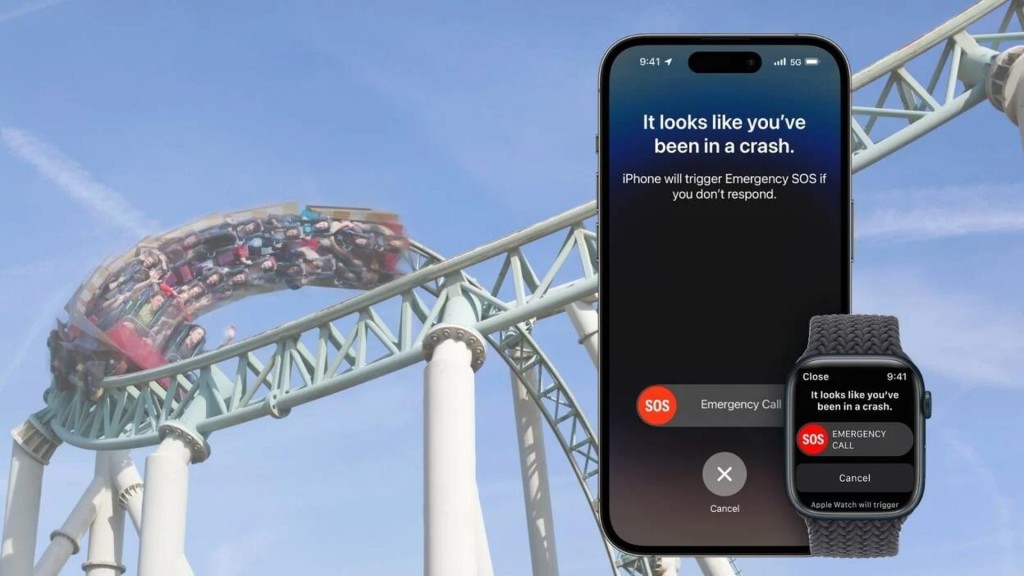
This article teaches you how to turn off iPhone Crash Detection. You might wish to turn off Crash Detection if you use Apple products and enjoy visiting theme parks. This is because there have been numerous incidents of rollercoaster emergency features activating.
In addition to this unforeseen application, Crash Detection has already been demonstrated to be effective. It is a feature of the new iPhone 14 series, Apple Watch Series 8, and Apple Watch Ultra. You might not want to disable it because it might very well save a life in the event of an automobile accident.
 Check out how to use Playground Open AI, NovelAI, and DreamBooth AI.
How to turn off iPhone Crash Detection?
Follow these steps to turn off iPhone Crash Detection:
- Go to settings
- Scroll down and disable “Crash Detection”
- Confirm Crash Detection is disabled
Let’s take a closer look at the solution.
Go to settings
Open the Settings app on your iPhone 14 or Apple Watch Series 8/Ultra. Tap “Emergency SOS” after scrolling down.
Scroll down and disable “Crash Detection”
You may discover numerous settings pertaining to emergency settings under the “Emergency SOS” section. Find the “Crash Detection” setting and turn it off.
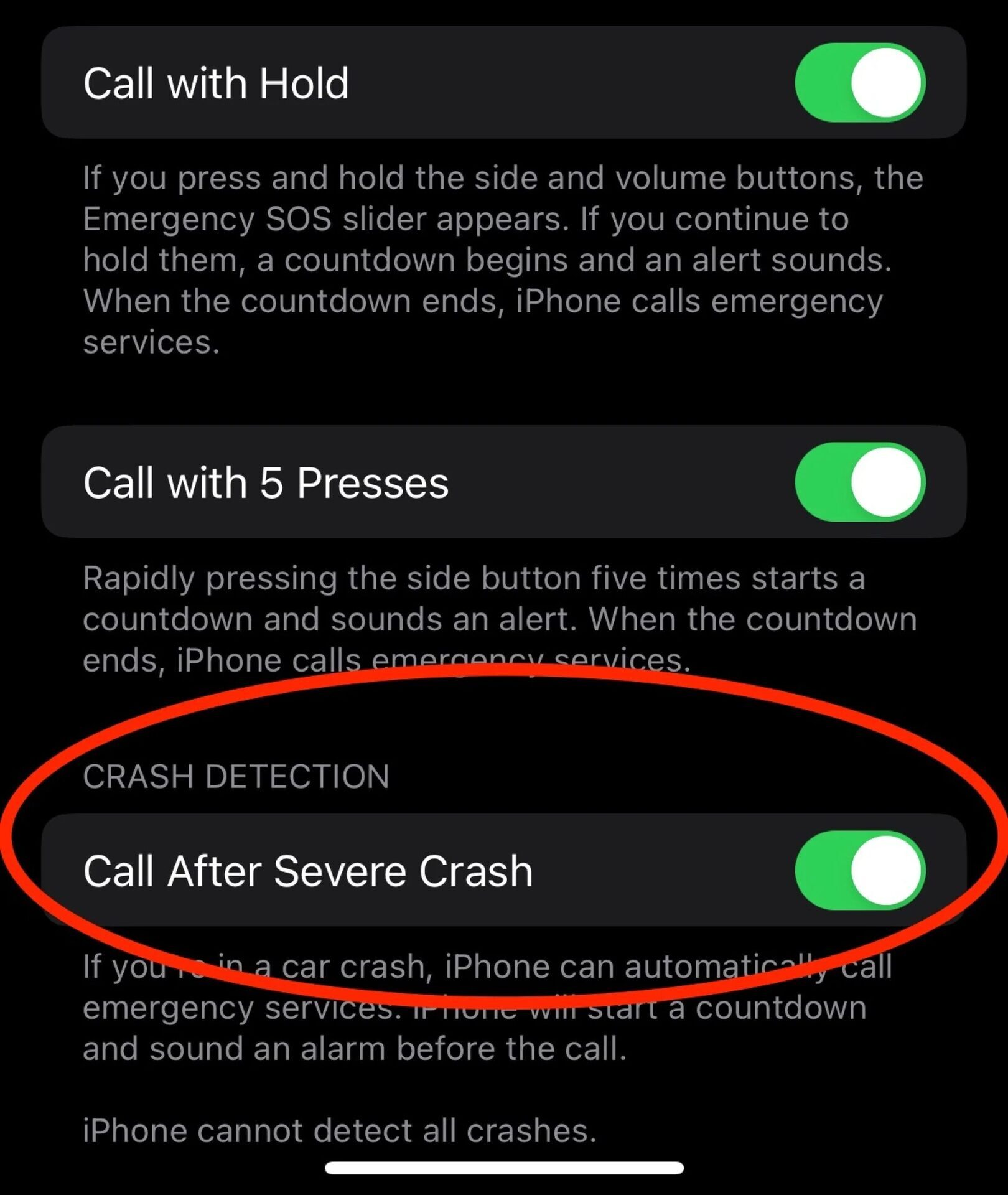
Confirm Crash Detection is disabled
You’ll then be informed via a prompt that disabling the feature will stop your smartphone from automatically dialing an emergency number. Then, select “Off.”

There you have it. Just keep in mind to activate Crash Detection once your amusement park ride is finished.