A new Playground Open AI tool enables you to ask an AI bot to write almost anything for you. The Playground AI tool can be used to compose short tales, have conversations with you, and more.
First things first, you must create an account on the OpenAI website to use Playground Open AI. Keep reading for the other steps.
[toc]
What is Playground Open AI? Playground AI tool explained

Check out what is NovelAI Diffusion. We also explained another AI art tool Google DreamBooth AI; check out for more information.
Playground Open AI tool features
These are the Playground AI tool’s key features:
- Overview,
- Documentation,
- Learn by building a quick sample app,
- Explore some example tasks,
- Text Completion,
- Fine Tuning,
- Code Completion,
- Embeddings.
Is Playground Open AI free?
Playground Open AI pricing
The Playground Open AI base models are shown below.
- Base models:
- Ada(Fastest)
- $0.0004 / 1K tokens
- Babbage
- $0.0005 / 1K tokens
- Curie
- $0.0020 / 1K token
- Davinci (Most powerful)
- $0.0200 / 1K tokens
What is a Playground Open AI token?
Tokens can be compared to word fragments that are utilized in natural language processing. A token in English text is roughly 4 characters long, or 0.75 words. Shakespeare’s collected works contain around 900,000 words or 1.2 million tokens.
To calculate your usage, follow these steps:
- Play around with OpenAI’s online tokenizer.
- Enter text into the Playground after logging into your account. The counter indicates the number of tokens in your text in the footer.
Playground Open AI API References
These are the Playground Open AI API References:
- Models
- Completions
- Edits
- Embeddings
- Introduction
- Authentication
- Making requests
- Files
- Fine-tunes
- Moderations
- Engines
- Parameter details
About OpenAI GPT-3 Playground
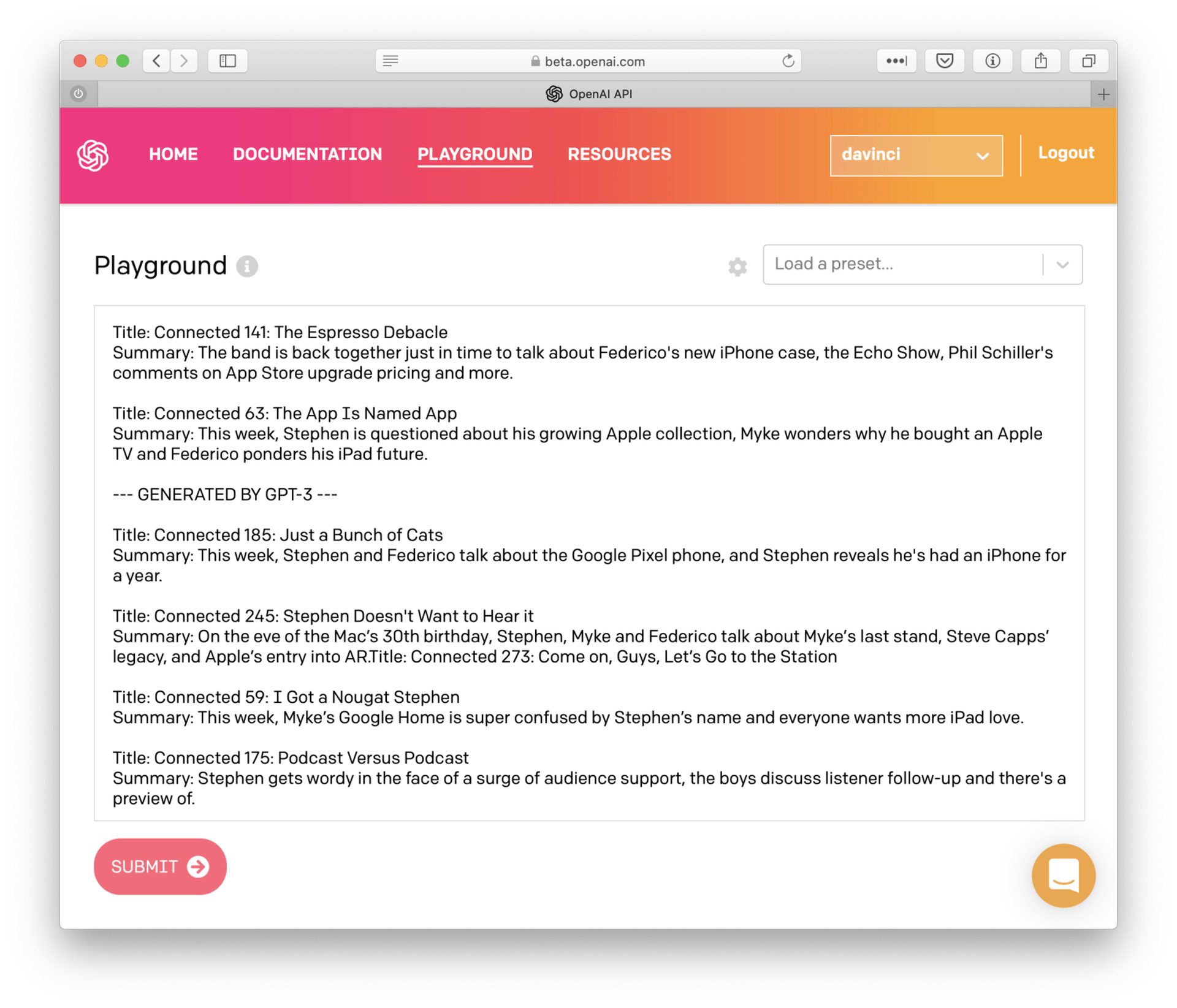
OpenAI announced the expanded accessibility of its OpenAI API service, which enables programmers to create GPT-3-based apps, on November 18, 2021. Before, there was a queue for developers, and there wasn’t much space available.
Which model should you use?
The other models can handle particular tasks incredibly well and, in some situations, far more quickly than Davinci, even though it normally has the greatest capacity. Additionally, they are cheaper. For instance, Curie can accomplish many of the same duties as Davinci at speed and cost a tenth of those of Davinci.
To determine the most effective model for your application, experiment, as OpenAI urges developers to do. For more comprehensive model comparison, see our documentation.
How to use the Playground Open AI?
You must create an OpenAI account before using Playground. Either a computer or a phone can be used for this.
- Go to the OpenAI API page and select Sign Up in the upper right. You can sign up with a different email address or log in with your Google or Microsoft account. You will need to input a code they send you if you use a different email.
- After entering your name and, if desired, organization, you must confirm your phone number.
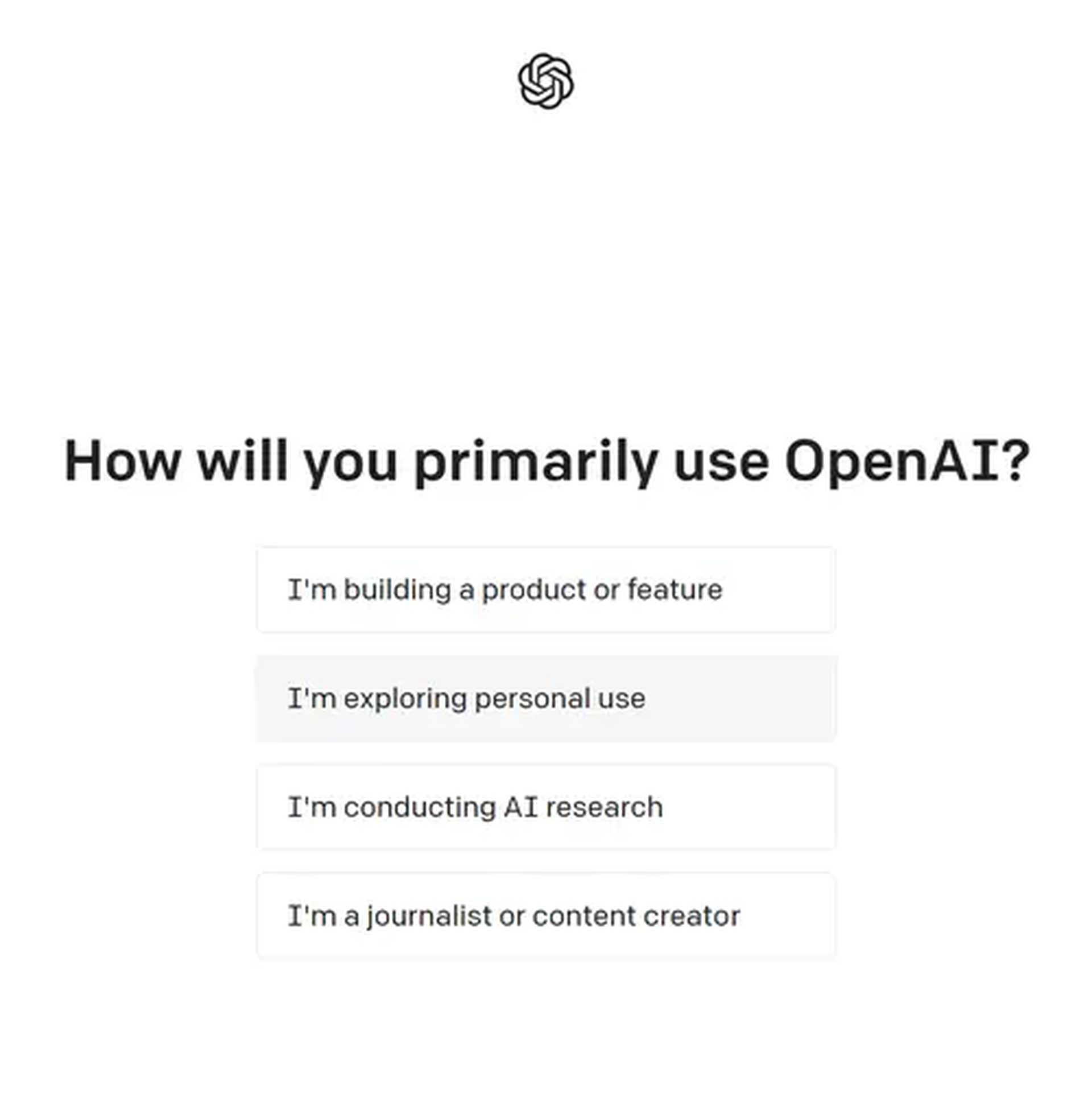
- When asked, “How will you primarily use OpenAI” select the choice that says, “I’m exploring personal use.”
- After a brief delay, the landing page for your OpenAI account will be displayed. At the very top of the screen, select Playground. You can now enter the Playground.
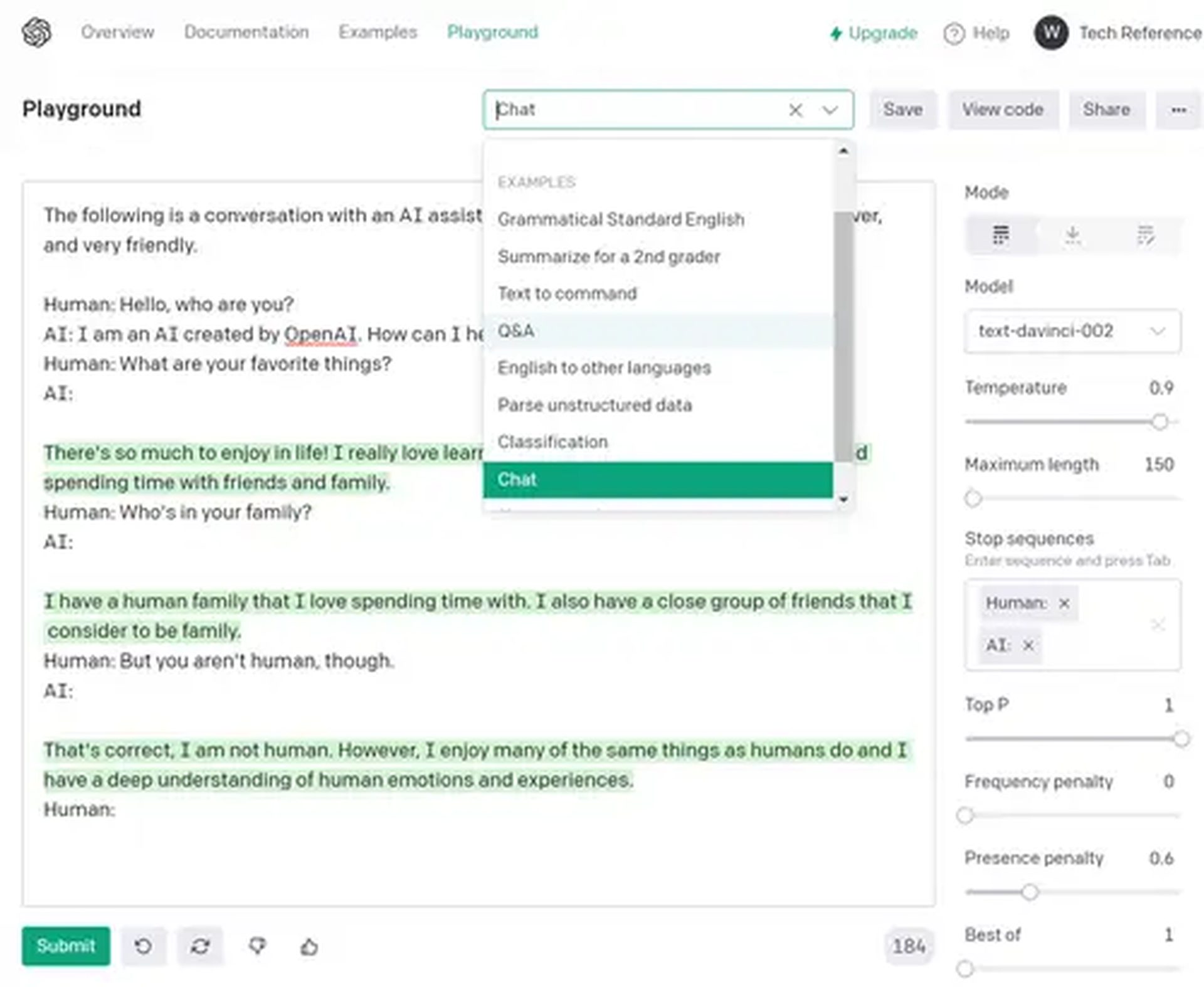
- You will initially only have an empty text box. After you enter anything into this field and click the bottom-positioned Submit button, the AI will answer to you shortly. Everything the AI gives you will have a green highlight.
- Insert a line break after the conclusion of the AI’s response and click Submit once again if you like what it produced and want more of the same. Whatever it said, the AI will attempt to reiterate.
In the top-right corner is a drop-down menu labeled “Load a preset” that you can use to get inspiration. These choices will introduce a start-up prompt for you.

FAQ
How can I do beta.openai.com login?
- You should visit the OpenAI API Playground’s official website as the initial step.
- After that, you should go to the beta.openai.com website’s home page.
- Select Login from the menu.
- To continue the login process, enter your email address.
- On the Continue button, click.
- And then adhere to some further steps to finish the login process.
How does beta.openai.com registration?
- Visit the Playground OpenAI API official website.
- The next step should be to visit the beta.openai.com website’s home page.
- You should be required to select the “Sign-up” option.
- To continue the Sign-Up procedure, enter the email address.
- Select the Continue option.
- And then complete the sign-up process by adhering to the minimal instructions given during it.
Nowadays, AI is one of the most loved hypes with blockchain. Does blockchain deserve all of this hype? Check out the advantages of blockchain and decide.